Device list
The device list shows a list of all device for the current account
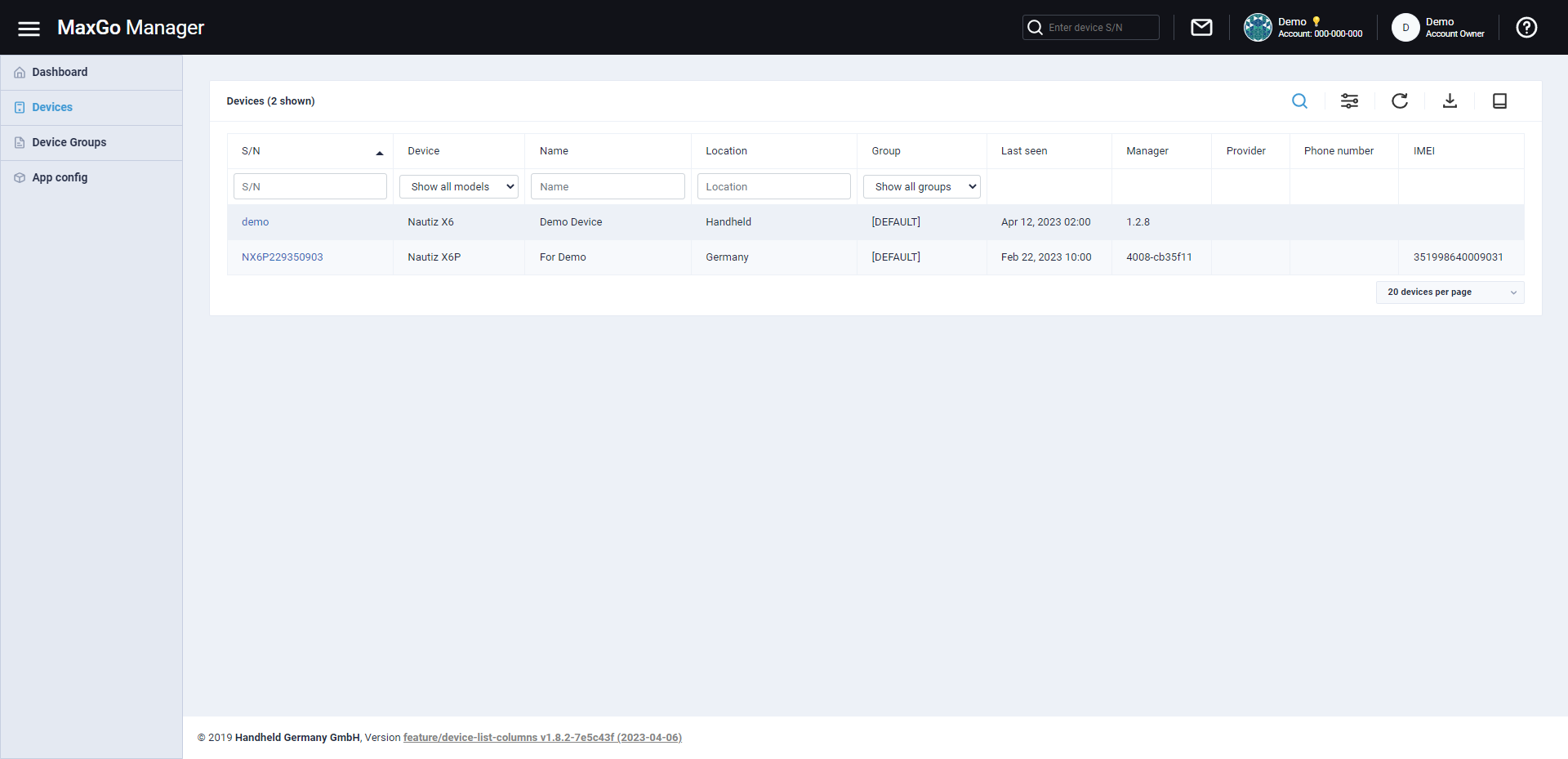
You can use the input fields on top of the list to filter by serial number, device type as well as the custom name and location.
By clicking on the  icon above the list you can change the columns.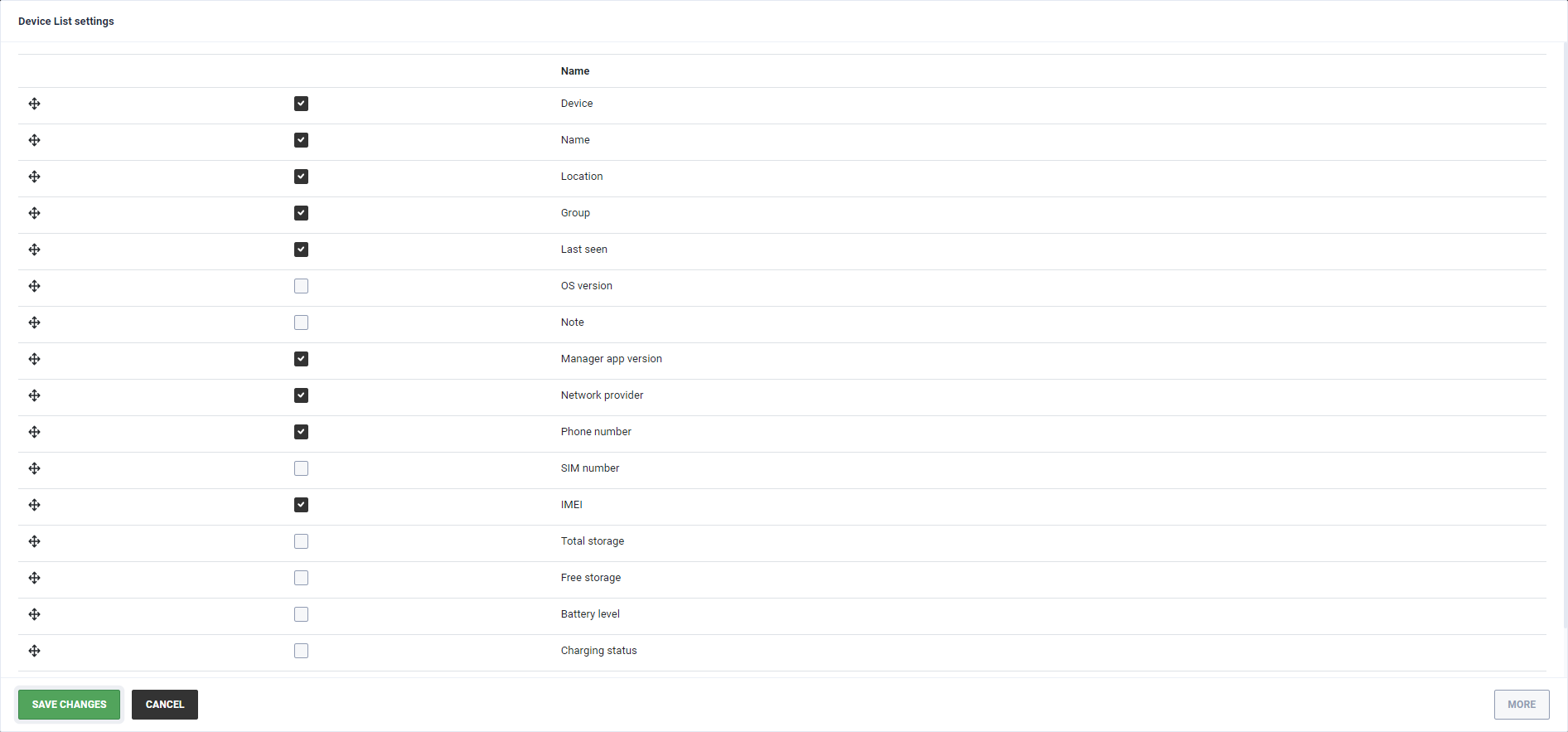
Change the order of the columns or enable/disable them.
At the bottom right below the list, you can select how many devices you want to see per page.